iPad, Samsung Galaxy Tab and other similar devices are hot these days. iPad had changed the way of computing and this is the future of computing. With iPad you can access internet, social networking and many other things on the go.
iPad is not just used for internet it can be used for many other things like gaming, music and designing. Yes you can do lot of things graphic designing too. Today there are many iPad apps available for painting and image editing. These apps can help you create amazing graphics which you create on PC. Here are some paid and free iPad apps for graphics which can help you to create amazing stuff thru your fingers.


7 Great iPad Painting Apps
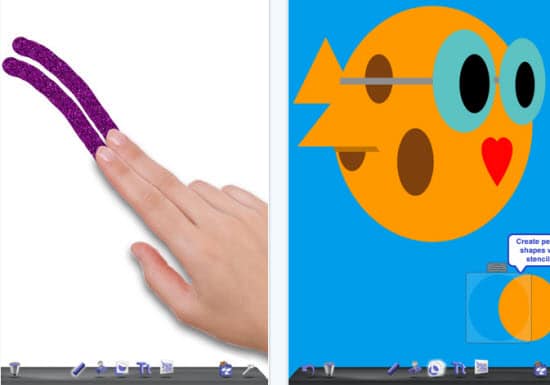
1. Doodle Buddy – Make your finger your brush. Doodle Buddy for iPad is the most fun you can have with your finger. Finger paint with thousands of colors and drop in playful stamps.
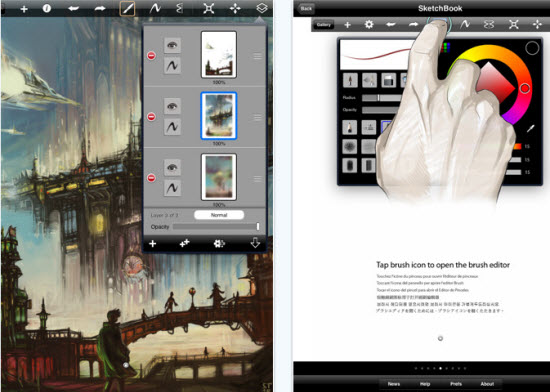
 2. SketchBook Pro – Autodesk SketchBook Pro for iPad is a professional-grade paint and drawing application. Using the same paint engine as its desktop counterpart, SketchBook Pro delivers a complete set of sketching & painting tools through a streamlined and intuitive user interface.
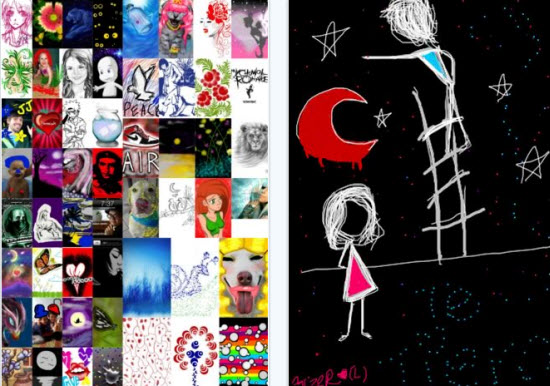
3. MyPaint Free – MyPaint Free will also help you to articulate conversations, add that sparkle to your photos and paint away the boredom in long meetings.
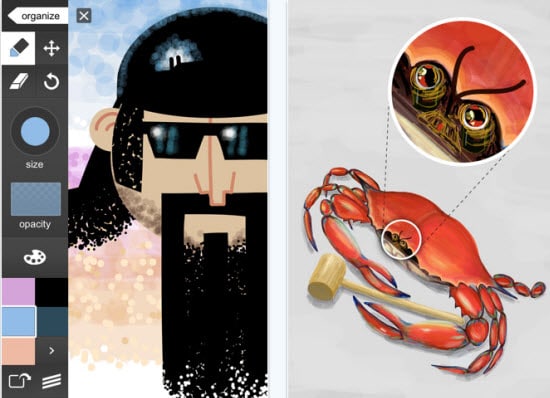
4. Adobe Ideas - Adobe Ideas is your digital sketchbook, letting you capture and explore ideas anywhere you go. Adobe Ideas is an ideal companion for the professional design applications.


![Quicken Deluxe 2011 [Download]](http://ws.amazon.com/widgets/q?MarketPlace=US&ServiceVersion=20070822&ID=AsinImage&WS=1&Format=_SL160_&ASIN=B003ZK51W4&tag=bo8-20)


5. Freeform - Freeform is a vector drawing tool for your iPad. Create quick sketches, mockups, or diagrams with this powerful tool. Export your drawings via email in JPG, PNG, or PDF formats, or save to your photo library.

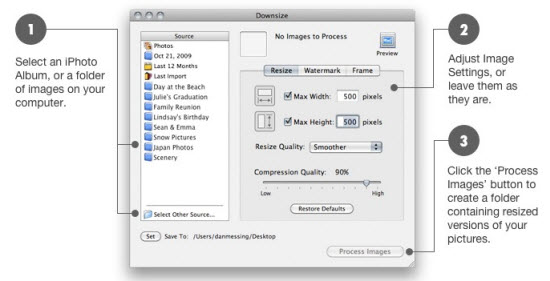
6. Downsize - Downsize is a utility that allows you to prepare images for the web, email, or presentations by resizing, adding watermarks, frames, and drop shadows. Batch resizes an entire folder of images in bulk to save time.

 7. Adobe Photoshop Express - With Photoshop Express, it’s easy to improve your photos. Choose from a variety of one-touch effects, or simply drag your finger across the screen to crop, rotate, or adjust color. Add artistic filters like Soft Focus or Sketch. And never fear: You can undo and redo changes until you get just the look you want—a copy of your original file is always saved.


No comments:
Post a Comment